Creating quotes might not be the most exciting part of running a business, but it’s definitely one of the most important. A well-structured quote sets clear expectations, builds trust, and can often be the difference between landing a client or losing them.
Doing it all manually, though? That’s where things get messy, slow, and error-prone.
Quotation generator software takes the pressure off by helping you craft clean, accurate quotes in minutes.
In this guide, we’ll break down what these quotation tools do, why they’re worth using, and share 10 top options that can save you time and make your business look sharp.
What is quotation generator software?
A quotation generator software is a digital tool that helps businesses, freelancers, and sales teams quickly create professional price quotes or estimates for their products or services. It simplifies the process of outlining what a job will cost before work begins, saving time and ensuring clarity for both parties.
Here’s what it typically does:
- Allows you to input your services, products, rates, and client details
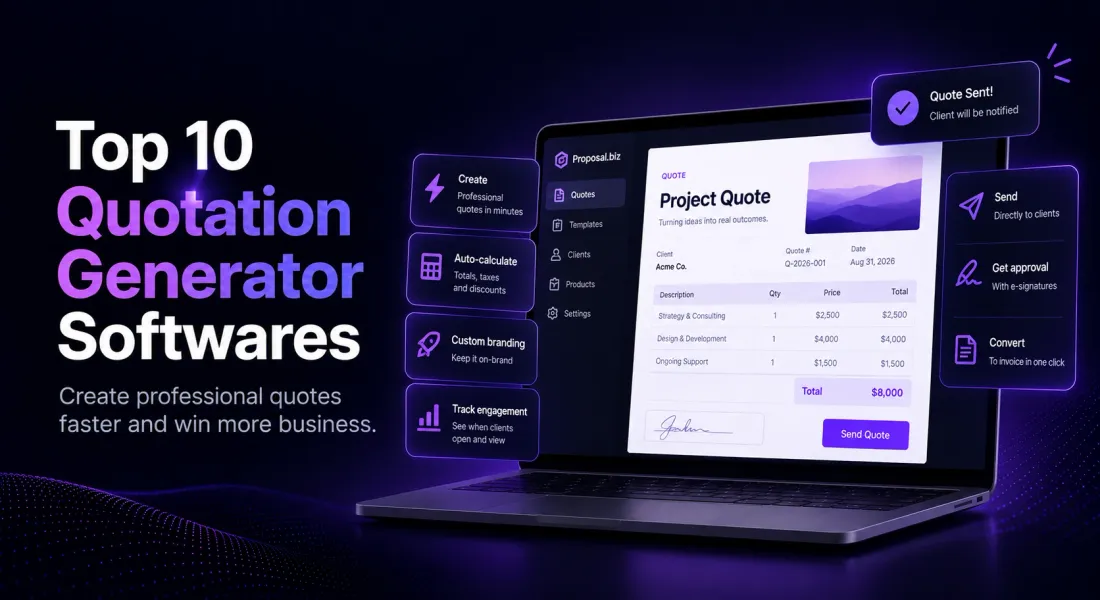
- Automatically calculates totals, taxes, and discounts
- Generates well-formatted, branded quote documents (PDF or online links)
- Sends quotes directly to clients via email or a client portal
- Often includes features like quote tracking, approvals, and invoice conversion
Why Do You Need a Quotation Generator and How It Simplifies Your Workflow?
A quotation generator is a tool that helps businesses and freelancers create professional, accurate, and timely quotes or estimates for their clients. Here’s why it’s essential and how it makes your work smoother:
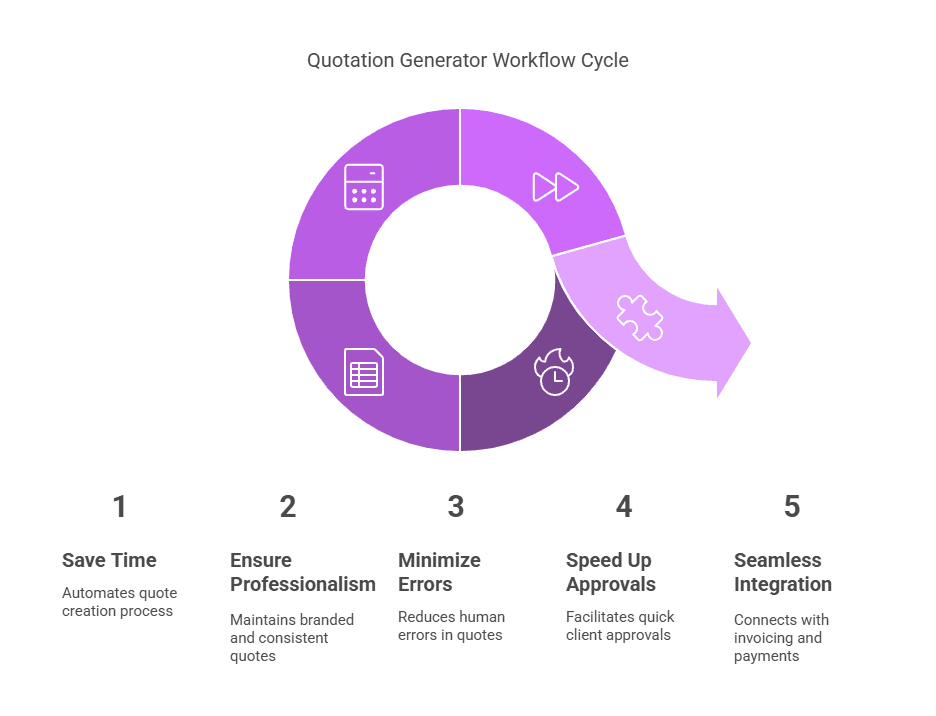
1. Saves Time and Reduces Manual Work
Instead of drafting quotes from scratch every time, a quotation generator software lets you use templates, autofill details, and reuse existing data—cutting down hours of repetitive work.
2. Ensures Professionalism and Consistency
Your quotes look clean, branded, and consistent across clients. No more messy formatting or missed line items—just polished documents that reflect your business identity.
3. Minimizes Errors
By automating calculations, taxes, and discounts, it reduces the risk of human errors that could cost you money—or credibility.
4. Speeds Up Client Approvals
Many quotation tools allow clients to approve quotes digitally, speeding up your sales cycle. Some even notify you when a quote is viewed or accepted.
5. Connects Seamlessly with Invoicing and Payments
Most quotation generator softwares can convert quotes into invoices with one click, link to payment gateways, and integrate with accounting software—making your whole process seamless.
Also read: How to build an RFP response database to answer faster & win
Our Own Pick: Proposal.biz
Before the list, it’s worth mentioning the tool this guide is published on. Proposal.biz generates a quote from a prompt or a pasted website URL, using the same Smart Content Library approach it uses for every document type.
Quotes go out as a live, trackable link rather than a static PDF, so you can see when a client opens the quote instead of guessing.
Key features:
- AI-generated quotes from a prompt or a pasted website URL
- Drag-and-drop document editor with built-in e-signatures
- Send and track opens on the free plan
- Free forever, no credit card required
If AI-assisted drafting matters more to you than a familiar accounting-suite name, it’s worth trying before working through the list below.
Top 10 Quotation Generator Softwares
1. Zoho Invoice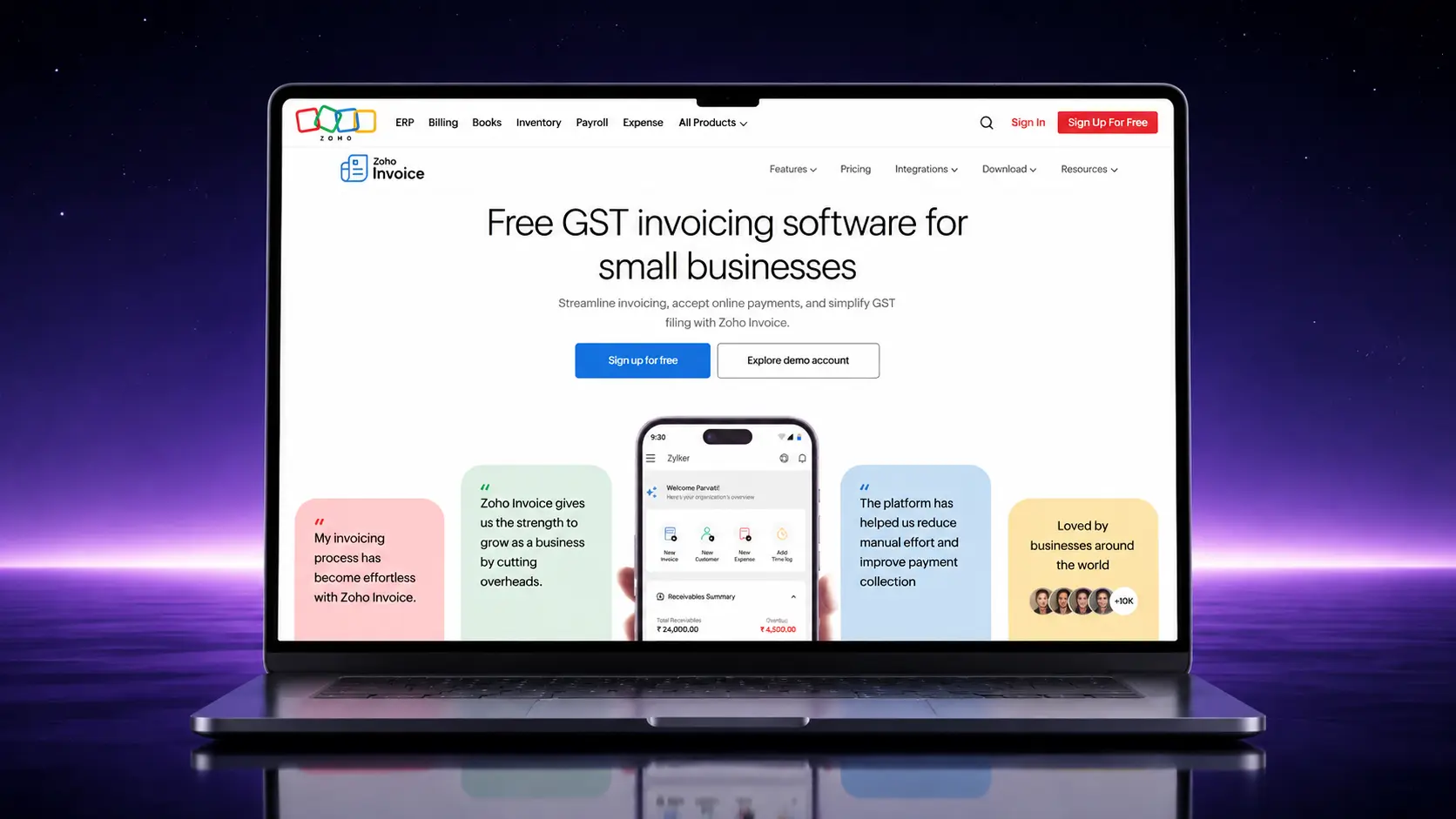
Zoho Invoice is super handy if you’re running a small business or freelancing. It makes creating quotes a breeze, and you can turn them into invoices in just a click. The interface is clean, and it handles all the nitty-gritty like taxes and multiple currencies. Plus, there’s a great mobile app if you’re always on the go.
Key Features
- Quote-to-invoice conversion
- Client portal
- Tax handling
- Multiple currencies
- Payment reminders
2. Invoice Ninja
If you’re into open-source tools or just want a lot of freedom, Invoice Ninja is a gem. It’s built for freelancers and small teams who need more than just basic invoicing. You can track time, create quotes, and even set up a client portal. It’s surprisingly powerful for a free plan too.
Key Features
- Unlimited quotes & invoices
- Open-source option
- Built-in time tracking
- Client dashboard
3. QuickBooks Online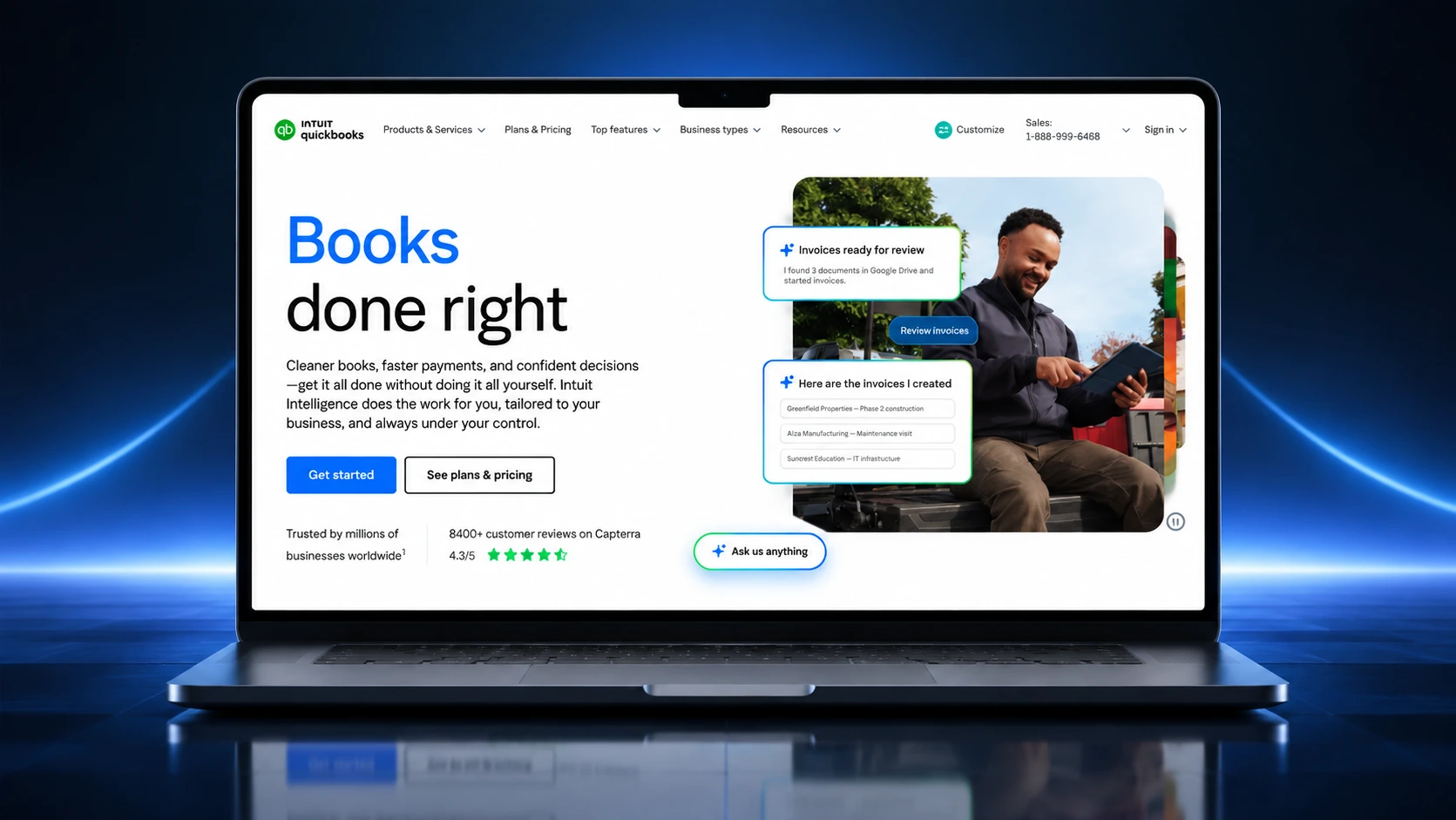
QuickBooks is kind of the OG of small business finance tools. It does a lot more than quotes—think bookkeeping, taxes, and full-blown accounting. But if all you want is sleek, professional estimates with a trusted name behind it, this one’s solid.
Key Features
- Estimates & quotes
- Auto tax calculation
- Payment tracking
- Inventory management
- Integration with banks
- Mobile access
4. FreshBooks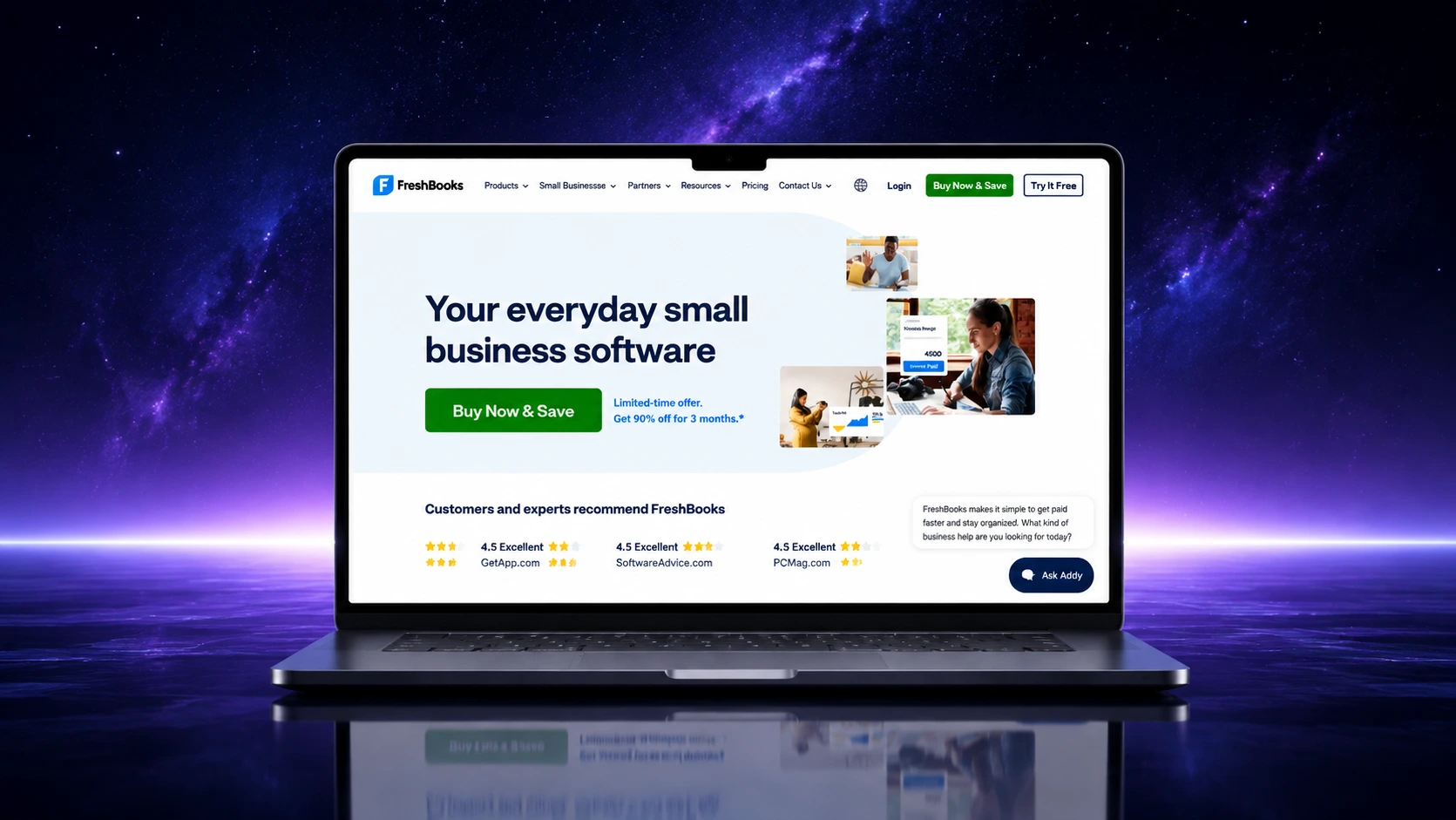
FreshBooks is perfect if you want something simple but professional. It makes it easy to send quotes, get client approvals, and then turn them into invoices. The user interface is super clean, and it’s built with freelancers and creatives in mind.
Key Features
- Customizable quote templates
- Client approval system
- Expense tracking
- Late payment reminders
5. Invoicely
Invoicely is a no-fuss tool if you just need to send quotes quickly and get paid. It’s simple to learn and doesn’t overcomplicate things. Great if you’re a solo entrepreneur or a small team without a dedicated finance person.
Key Features
- Simple UI
- Multi-currency support
- Cloud-based dashboard
- Basic reporting
6. Zervant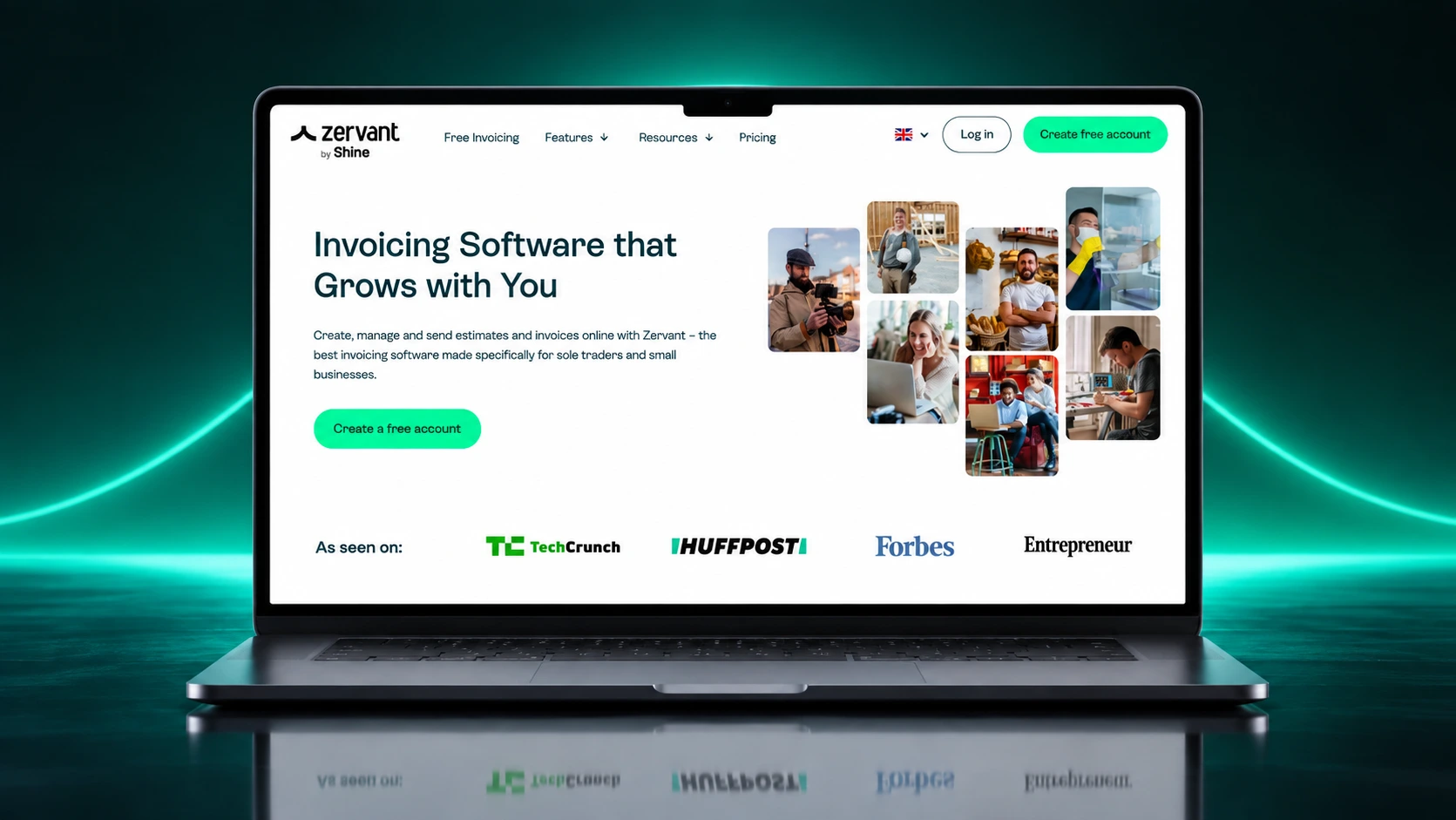
Zervant is super beginner-friendly and especially popular in Europe. It focuses on just the essentials—quotes and invoices—without all the fluff. If you’re just starting out and don’t want to get overwhelmed, Zervant is a solid pick.
Key Features
- Free for basic use
- PDF & email quote sending
- Quote tracking
- Multi-language support
7. QuoteWerks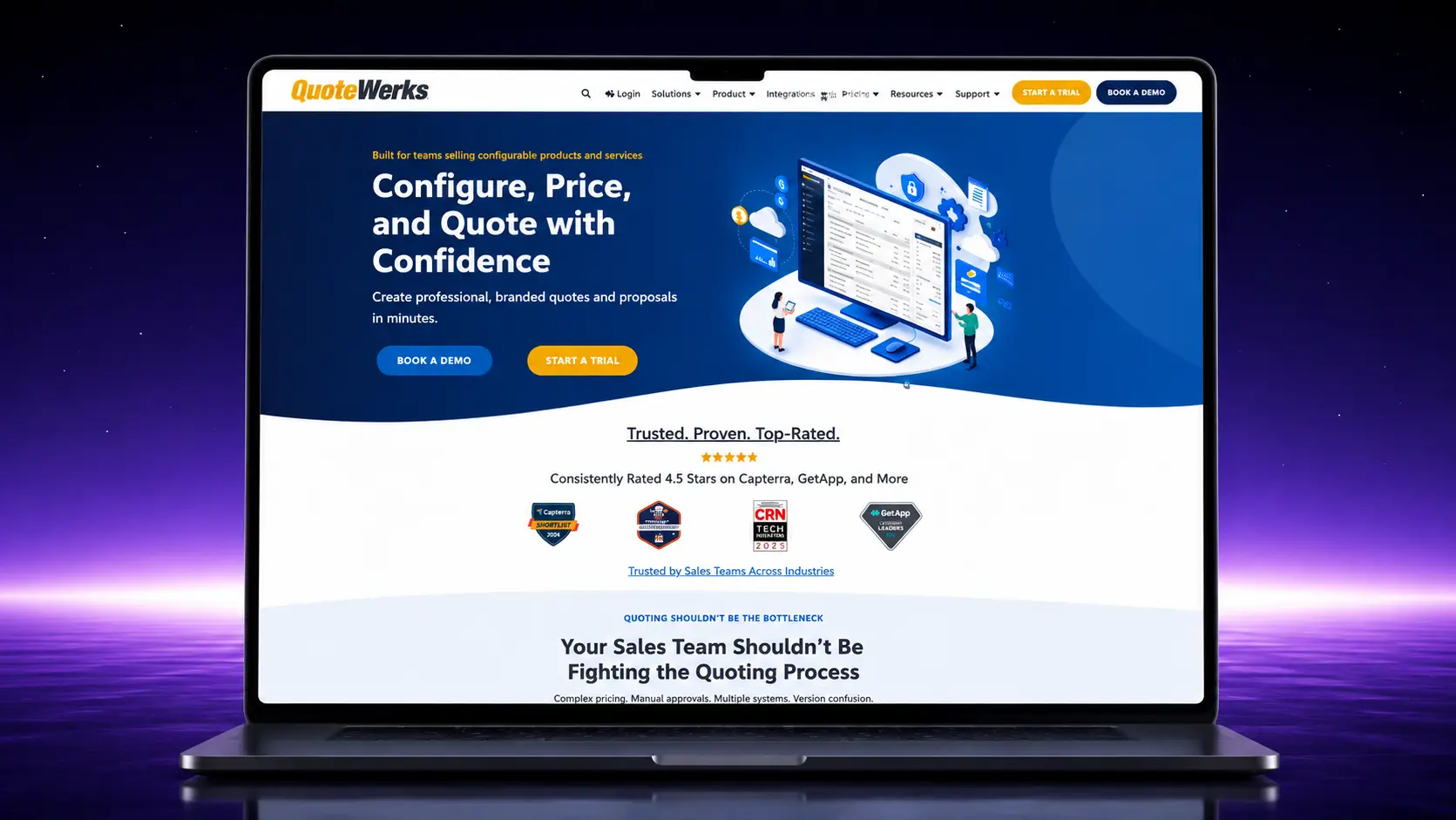
If your business is sales-heavy and needs detailed quotes with product listings, QuoteWerks was built for you. It integrates with CRMs and makes it easy to manage complex quotes. It’s not the flashiest tool, but it’s all about getting the job done right.
Key Features
- CRM integrations
- Configurable templates
- Product database support
- Quote revision history
- Reporting & analytics
Related: 5 proven strategies to shorten sales cycle and boost close rates
8. PandaDoc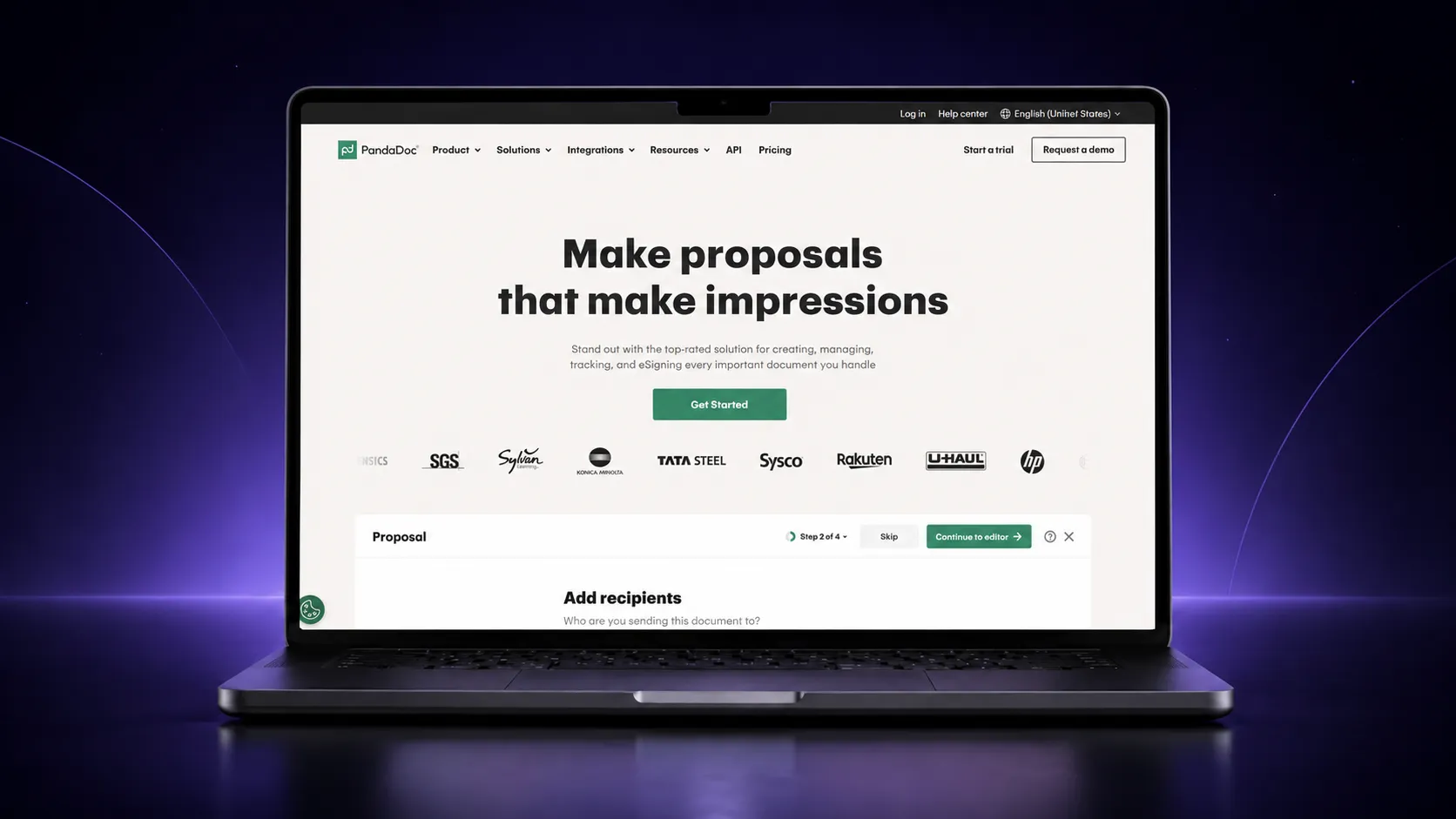
PandaDoc is all about making your quotes and proposals look amazing—and trackable. You can see when a client opens your doc, and even get their e-signature right inside. It’s perfect for sales teams or anyone trying to close deals faster.
Key Features
- Real-time tracking
- E-signature included
- Interactive quote templates
- Team collaboration tools
9. Bonsai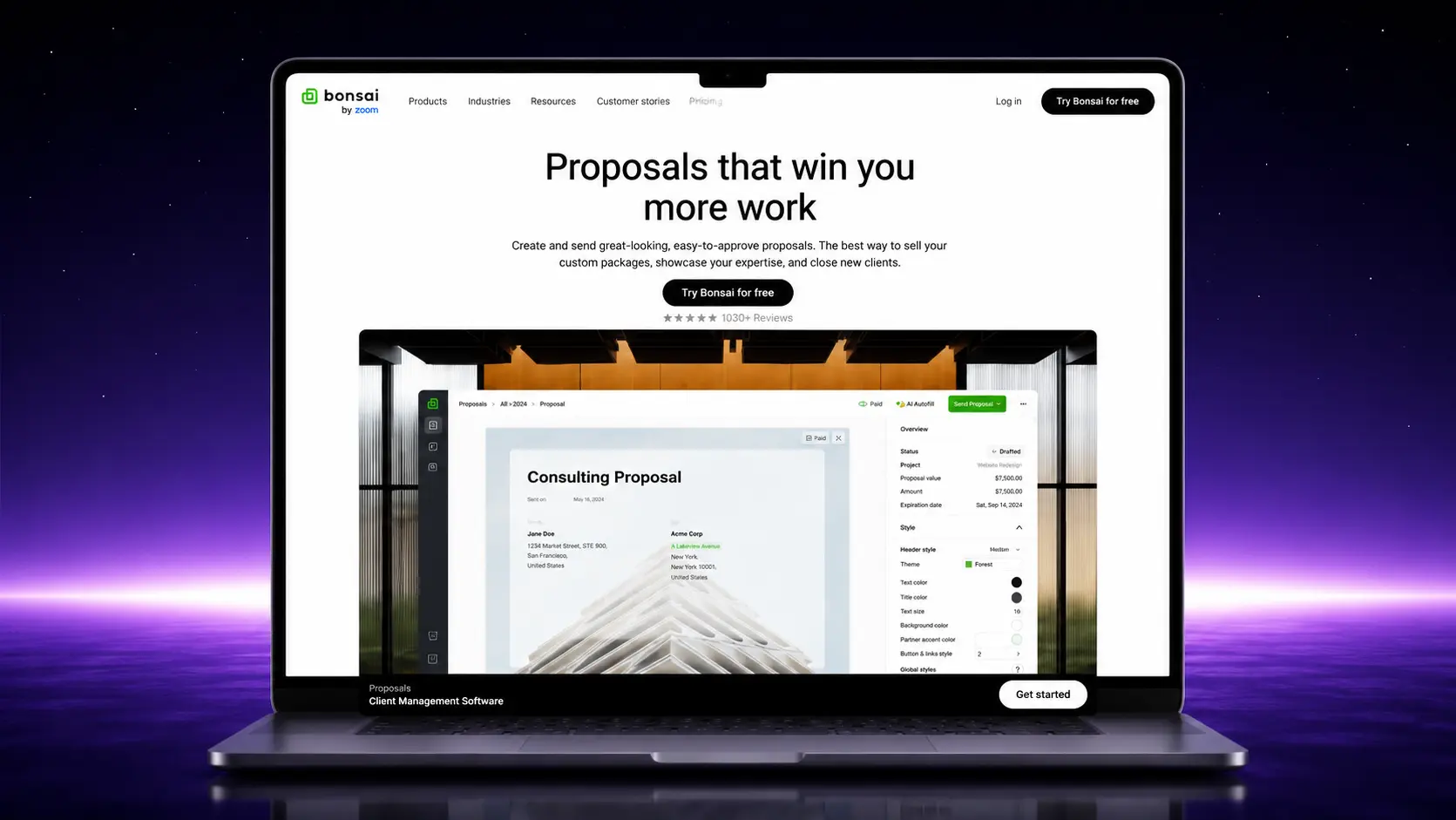
Bonsai is built with freelancers and agencies in mind. It’s got everything from quotes to contracts and invoices, all under one roof. The templates look super clean and professional, and it even helps with taxes if you’re in the US.
Key Features
- Quote + contract workflows
- Pre-built templates
- Tax & expense tracking
- Auto reminders
10. Proposify
If your quotes are more like mini-presentations, Proposify is what you need. It’s highly visual and lets you drag-and-drop content to create beautiful, branded proposals. Great for agencies, designers, or anyone who wants to impress clients visually.
Key Features
- Custom design builder
- Deal tracking
- Template library
- E-signature integration
From Prompt To Sent Quote
Most of the tools above are quote builders: you still have to write the line items and pricing logic yourself. If you’re drafting the wording with AI first, our guide on prompts for quotation writing covers line items, tiered pricing and the objection-handling language that gets a quote signed faster.
For a wider comparison of proposal and quoting platforms beyond this list, the curated list of best proposal software tools breaks down strengths across a broader set of tools.
Founders comparing quoting tools alongside their broader proposal stack may also find business proposal tools for founders useful.
Conclusion
Using quotation generator software makes it easier to create fast, consistent, and professional quotes without the hassle of manual work. It reduces the chances of mistakes, helps maintain a polished brand image, and can improve your overall workflow from quote to payment.
With a variety of quotation tools offering different features and flexibility, you can choose the one quotation generator software that best fits your business needs and start quoting with confidence.
Frequently Asked Questions
Is Proposal.biz’s quotation generator actually free?
Yes, the free plan is free forever with no credit card required, not a time-limited trial. For a full comparison of what’s included on Proposal.biz’s free tier versus other tools, see our roundup of free AI proposal generators.
Do I need separate software for quotes and invoices?
Not necessarily. Several tools on this list, including Zoho Invoice and FreshBooks, convert an accepted quote straight into an invoice. If your priority is winning the deal rather than accounting, a document-first tool focuses on the quote itself: drafting, branding, sending and tracking whether it was opened.
What should I look for beyond price?
Three things matter most: how much of the drafting the tool does for you, whether you can see when the client opens the quote, and whether e-signing is included or a separate add-on. A tool that’s cheap upfront but requires a second subscription for signing usually costs more in practice.

Join Our Newsletter
Subscribe to our newsletter to get the latest updates and offers
This site is protected by reCAPTCHA and the Google Privacy Policy and Terms of Service apply.
* Will send you weekly updates for your better business management.