Prepared for Northwind
Website redesign proposal
A new marketing site for Northwind's launch, designed in your brand and delivered in eight weeks.
| Discovery | $4,000 |
|---|---|
| Design | $9,500 |
| Build | $14,500 |
| Total | $28,000 |
Signature
Create on-brand proposals with AI, track client views, and get them signed
Prepared for Northwind
A new marketing site for Northwind's launch, designed in your brand and delivered in eight weeks.
| Discovery | $4,000 |
|---|---|
| Design | $9,500 |
| Build | $14,500 |
| Total | $28,000 |
Used by professionals at 100+ companies















PROVEN OUTCOMES
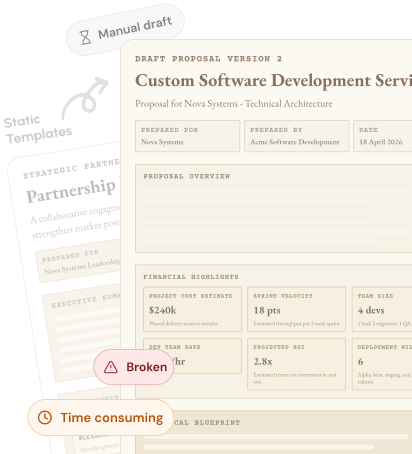
THE PROBLEM
EFFORT & TIME
Writing, finding the right content, editing and getting the visual layout right can take hours.
CONSISTENCY
Different reps use different content, formats and messaging, so the quality isn't always consistent.
RELEVANT CONTENT
Case studies, services and past work are often buried in old proposals, files and folders.
AFTER YOU SEND
Send the proposal and wait, unsure of their thoughts or when to follow up.
AI THROUGHOUT
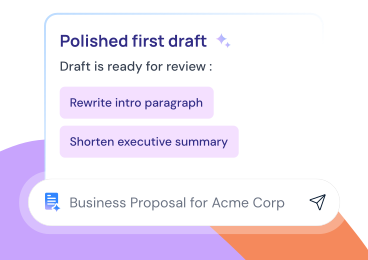
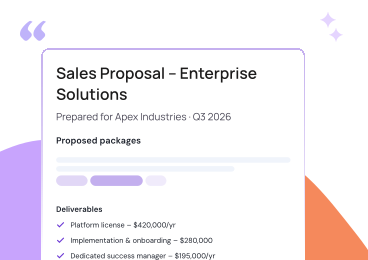
Generate a structured first draft from a prompt, brief, file, or template.
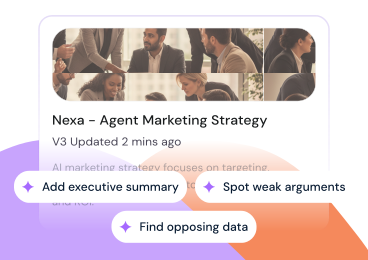
Use the AI Agent to restyle content in your document.
Organize your content for clear reading from start to finish.
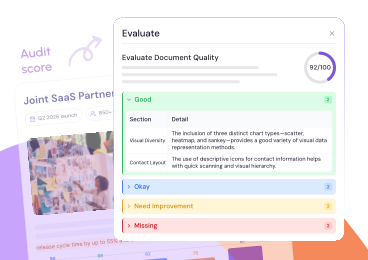
Run AI Evaluation to see your score and what needs fixing.
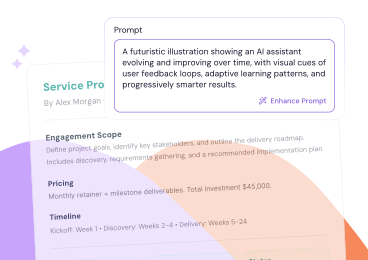
AI learns from your feedback to assist with your next task.
THE SOLUTION
Create proposals tailored to your clients, styled to your brand, and ready to move business forward.
Get past the blank page with an AI draft you can make your own.
Start creatingTurn meeting notes and briefs into proposals that address your client's needs.
Try it on your contentEvery document automatically matches your brand with your logo, colors, and fonts.
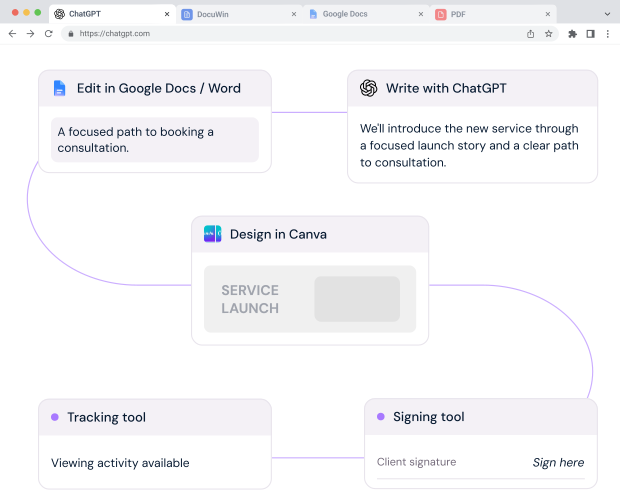
Style your proposalKeep edits, team feedback, client tracking, and signatures in one place.
See it in one placeONE CONNECTED WORKFLOW
FIVE WAYS TO BEGIN
REUSE WHAT WORKS
Save your services, case studies, and past proposals in Content Master so AI can reuse your expertise in every new draft
Learn more about Turn Past Work Into Future WinsSet your logo, fonts, and colours once to keep every document consistent with your brand
Learn more about On-Brand, Every TimeBUYER ENGAGEMENT
See when clients open your proposal and which pages they read, so you can follow up with context.
WHO IT'S BUILT FOR
WHAT OUR CUSTOMERS SAY
 G2 VERIFIED
“Proposal.biz's AI drafts from our existing content, keeping documents consistent and freeing our team to focus on strategy. We even use it for press release sign-offs takes minutes.”
G2 VERIFIED
“Having the whole document process in one place instead of scattered across email, drive folders, and separate tools has made the day-to-day noticeably less messy.”
G2 VERIFIED
“From proposals to ESG reports, we've cut document generation time in half everything is effortlessly presentable and streamlined in one place to create, track, and retrieve.”
G2 VERIFIED
“Proposal.biz made creating proposals so much easier instead of copying from old documents, I start with AI-generated content and tweak it. It gives me a solid first draft, which saves a lot of time.”
BEYOND THE PROPOSAL
Use the same Content Master brand, and workflow across every client-facing document.
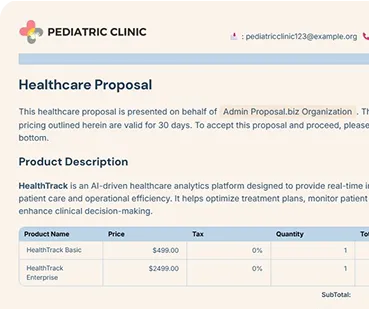
Summary, Marketing
Create compliant procurement proposals with summaries and pricing tables.
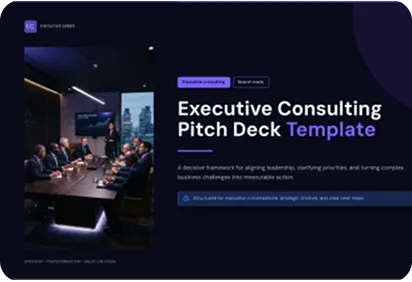
Presentation, Strategy
Turn your idea into a concise, persuasive story for any audience.
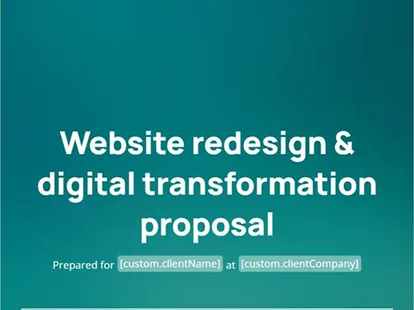
Sales, Consulting
Create a proposal from client needs. Includes case studies, team bios, and methods.
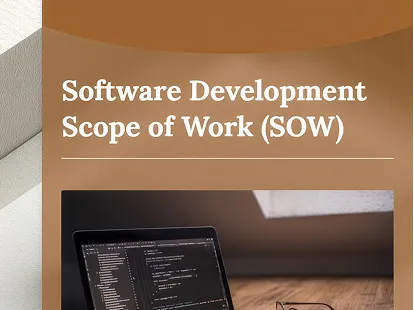
Planning, Operations
Define deliverables and timelines. Structure project phases and milestones clearly.
RFP, Procurement
Create compliant procurement proposals with summaries and pricing tables.
INTEGRATIONS
Connect Proposal.biz to your CRM, your payment processor, and your team chat. Documents stay in sync. Deals stay updated. Nothing falls through the cracks.
 Proposal.biz
  HubSpot
  Google Drive
  Zoho
Zoho  Slack
Slack FREQUENTLY ASKED QUESTIONS
More questions? Contact us
No. It brings content creation, your reusable Content Master, editing, design, collaboration, sharing, tracking, and sign-off into one workflow.
Yes. You can import past proposals, case studies, and templates into your Content Master. The AI organizes them into reusable blocks and pulls relevant snippets into every new proposal automatically.
Yes. Proposal.biz generates the complete document—executive summaries, scopes of work, case studies, deliverables, and pricing tables—grounded in your company's real expertise and meeting notes.
Always. You have complete control over every word, section, image, and price. You can edit directly in the block editor, prompt the AI Agent to restyle or rewrite specific sections, and review changes before sending.
Yes. Real-time buyer engagement tracking notifies you when prospects open your proposal, which sections and pages they read longest, and when they forward it to other decision-makers.
Yes. Legally binding e-signatures are built right in. Clients can review and sign from any device in seconds with zero extra tabs, downloads, or third-party e-sign subscriptions.
While optimized for winning proposals, you can generate contracts, pitch decks, statements of work (SOWs), quotes, client onboarding briefs, and sales collateral all in one place.
Unlike generic chat tools or static editors, Proposal.biz is built specifically for closing deals. It connects AI generation, your private brand library, interactive pricing tables, client analytics, and built-in e-signatures into one unified workflow.
You can start completely free with no credit card required. Paid plans start at $19/month for unlimited documents, team collaboration, custom branding, and advanced analytics.