2026 Software Comparison
Adobe vs DocuSign
Adobe bundles signing into a full PDF platform. DocuSign builds everything around the signature itself. This comparison covers what each one includes at the tier most teams buy, how volume is counted differently, and where Adobe vs DocuSign vs Proposal.biz changes the decision entirely.
The Short Answer
Adobe and DocuSign both sign documents, but you are buying two different products. Adobe Acrobat Pro for teams is a complete PDF platform at $23.99 a licence a month: edit text and images, convert formats, redact sensitive content, and send signature requests with no cap on team plans. DocuSign Standard is signature-first at $30 a user a month, built around the envelope, with 100 envelopes per user per year, templates, delegated signing, and no PDF editing at all. Neither one writes the document you are about to sign. Proposal.biz does, generating the proposal, contract, or SOW from your website URL, then signing and collecting payment in the same place.
Pick Adobe Acrobat if you work with PDFs daily and want signing bundled in. Pick DocuSign if signature workflow and volume tooling are the whole point. Pick Proposal.biz if the document itself still has to be written before anyone can sign it.
Quick Verdict
Which One Is For You
Adobe vs docusign looks like a signature comparison. It is really a question of whether you need a document toolkit or a signing workflow.
Choose Adobe Acrobat if
A complete PDF toolkit with signing bundled in
You edit, convert, and redact PDFs regularly, want e-signing included rather than bought separately, and prefer uncapped signature requests on a team plan.
Choose DocuSign if
A signature-first workflow built for volume
Sending for signature at volume is the core job, you need templates, delegated signing, and bulk send, and PDF editing happens elsewhere in your stack.
Three Numbers Worth Knowing
- Adobe Acrobat Pro for teams, per licence per month
- $23.99
- DocuSign Standard, per user per month
- $30
- Proposal.biz Professional, 3 users included, document generation built in
- $39
How Each One Builds the Document
Every other difference in Adobe vs DocuSign follows from this. One edits documents that exist. One routes them for signature. Neither writes them.
-
Adobe Acrobat
PDF platform, signing included
- Edit and convert PDF files
- Redact sensitive content easily
- Send e-signature requests directly
- Track signature status live
- Custom branding needs Pro tier
-
DocuSign
Signature-first, volume-metered
- Start from an envelope request
- Personal covers 5 envelopes monthly
- Standard includes 100 envelopes yearly
- Templates and branding at Standard
- Bulk send at Business Pro
-
Proposal.biz
AI-first, URL to finished document
- Paste your website URL
- AI extracts brand and pricing
- One prompt generates the document
- Refine by chatting, not formatting
- Send, track, sign, collect payment
Adobe vs DocuSign vs Proposal.biz at a Glance
Adobe bundles signing into a PDF suite you may not need. DocuSign strips it down to sending at scale. Here's what each actually costs your team.
| Feature | Proposal.biz | Adobe Acrobat | DocuSign |
|---|---|---|---|
| Built for | The full range of client-facing documents, generated by AI | PDF editing, conversion, redaction, with signing included | Envelope-based signature workflow at volume |
| Starting point | Your website URL, which becomes a finished draft | A PDF you already have | A document you upload into an envelope |
| Entry price | Entry price | Free forever, paid plan starts at $19/mo | $16.99/licence/mo (Standard for teams) | $11/mo (Personal), 1 user, 5 envelopes/mo |
| The tier most teams need | $39/mo billed annually, 3 users included | $23.99/licence/mo (Pro for teams) | $30/user/mo (Standard) |
| Best suited to | Teams where drafting and branding is the slow step | Teams working in PDFs every day | Teams sending for signature at scale |
| Main limitation | Monthly document allowances rather than unlimited sending | Not built to draft business documents | No PDF editing, and envelopes are metered |
Full Feature Comparison
Most docusign vs adobe write-ups compare signing experience alone. This one also asks what each platform does before and after the signature. Ratings reflect how complete and accessible each capability is, not just whether it exists. Availability shown for each vendor's most commonly purchased paid tier.
| Feature | Proposal.biz | Adobe Acrobat | DocuSign |
|---|---|---|---|
| AI document generation from a prompt | Yes. Complete branded document from one prompt | No. AI Assistant summarises, does not draft business documents | No |
| Generate a document from a website URL | Yes | No | No |
| Automatic brand extraction | Yes. Logo, colours, fonts and tone from your URL | No | No |
| PDF editing and conversion | Not a PDF editor | Full editing, conversion and redaction | None |
| E-signatures | Yes, native, every plan | Included on every paid tier | Core product, deepest signing workflow |
| Signature volume | Monthly document allowance | No cap on team plans | 100 envelopes per user per year, overage priced separately |
| Templates and bulk send | Prompt library and reusable blocks | Basic reusable templates | Templates at Standard, bulk send at Business Pro |
| Payment collection | Yes, inside the shared link, every plan | Not offered | Yes, from Business Pro |
| Custom branding | Included, custom domain on Professional | On agreements, Pro tier and above | Available from Standard |
| Engagement tracking | Opens, scroll depth and time spent per section | Signature status tracking | Detailed envelope and recipient status |
| Document types supported | Proposals, decks, SOWs, NDAs, retainers, contracts, reports, one-pagers, webpages | Any PDF, but you supply the content | Any uploaded file, but you supply the content |
| Compliance depth | Signed status, signing date, confirmation email | Broad enterprise coverage | Deepest coverage, specialised options at Enhanced |
| Product actively updated | Yes, shipping regularly | Frequent releases | Frequent releases |
A Note on What You're Actually Paying For
Adobe's per-licence price buys a full PDF platform with e-signing as one feature among many. DocuSign's per-user price buys a workflow built entirely around sending for signature, with deeper compliance and volume tooling at the top end. If e-signing is the only feature you will genuinely use, you may be paying for Acrobat tools you never open, or DocuSign envelope infrastructure you never fill.
Free forever - No credit card.
Four Differences That Actually Change Your Week
Feature lists flatten everything into ticks. These are the four points in Adobe vs DocuSign where the difference shows up in cost and daily use.
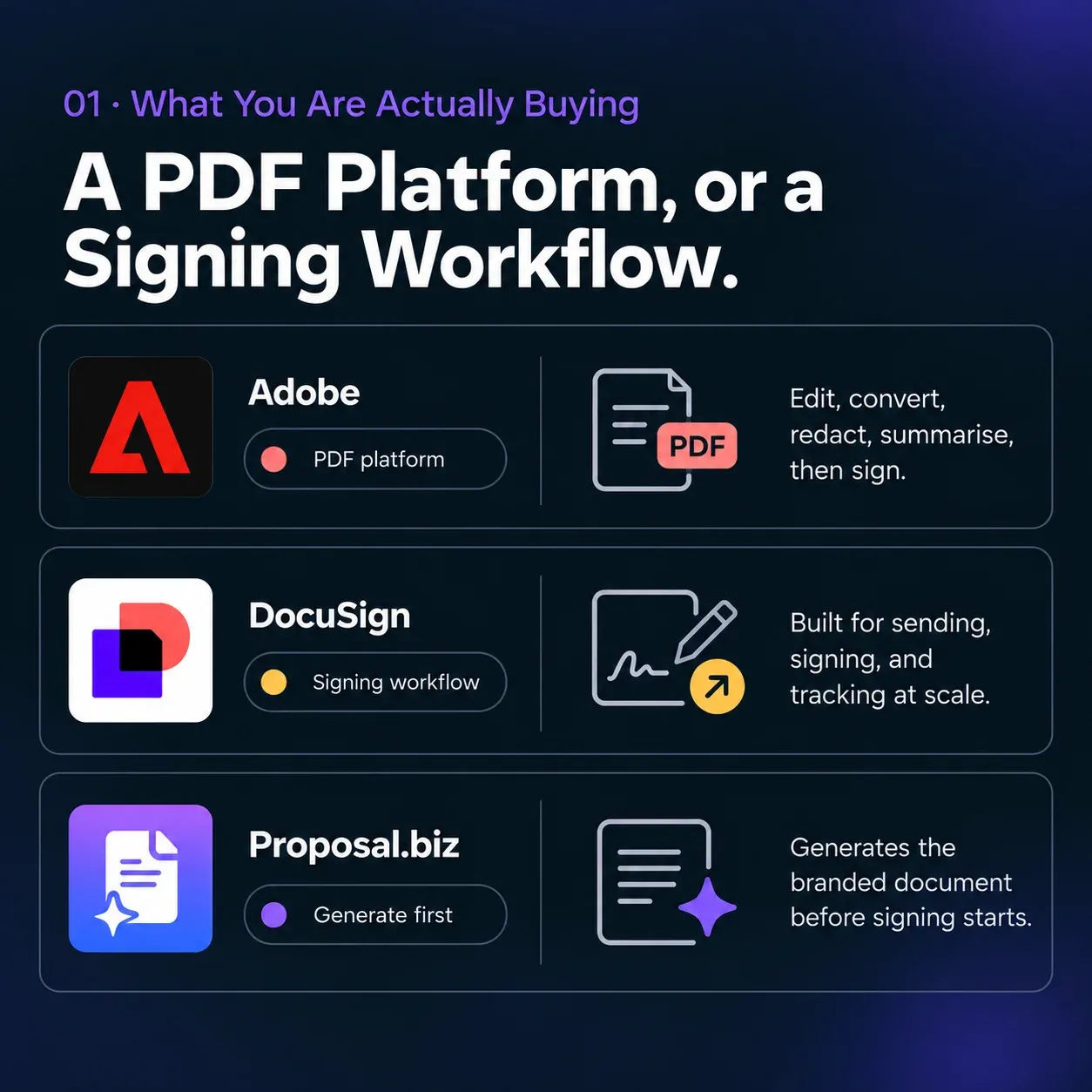
A PDF Platform, or a Signing Workflow.
01 · What You Are Actually Buying
Adobe centres on the PDF itself: edit, convert, redact, summarise, then sign. DocuSign centres on the act of sending for signature, with templates, bulk send, and recipient tracking at volume.
- Neither drafts the document. Proposal.biz starts a step earlier than both, generating the branded document from a URL before either tool becomes relevant.
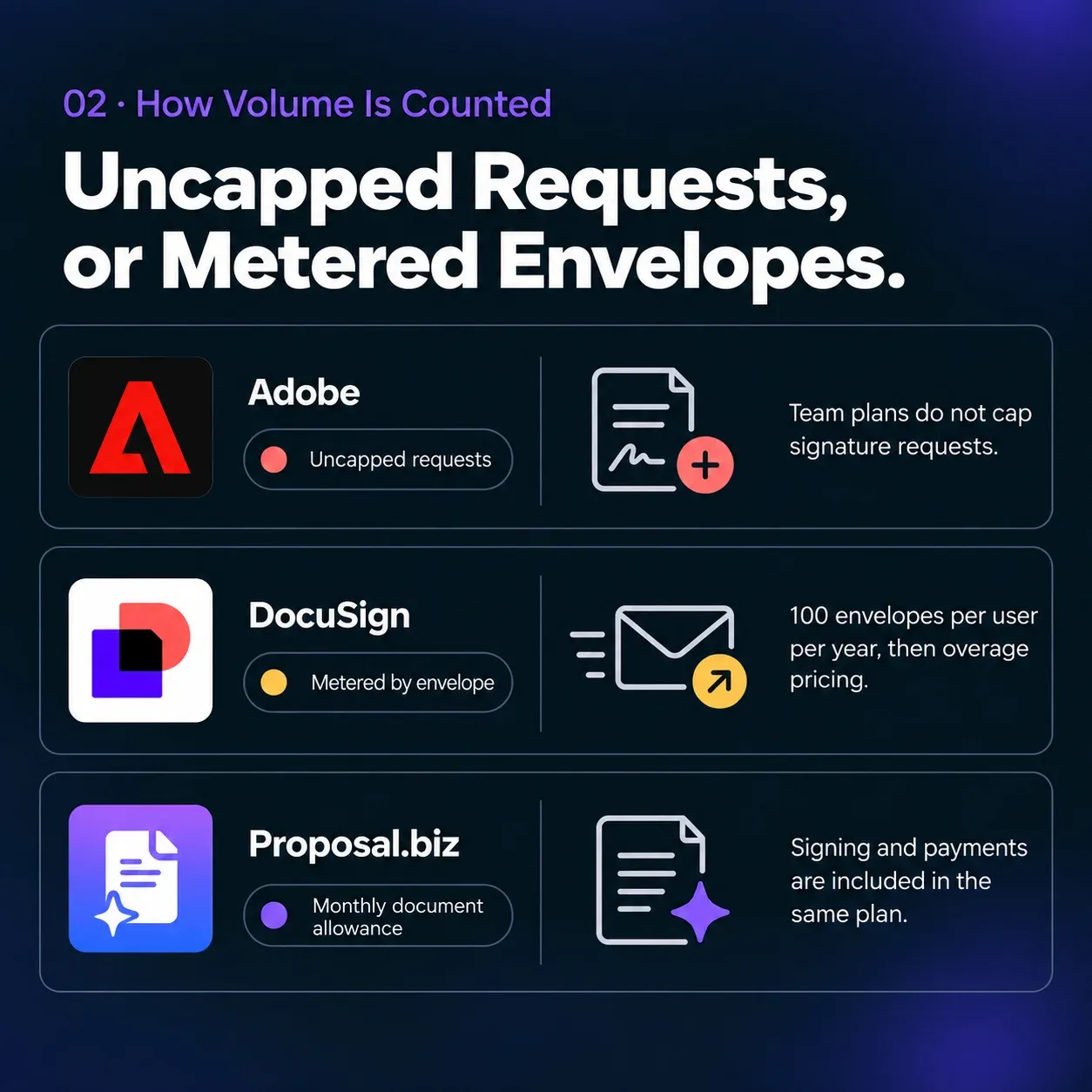
Uncapped Requests, or Metered Envelopes.
02 · How Volume Is Counted
Adobe's team plans do not cap signature requests. DocuSign meters by envelope, 100 per user per year on Standard and Business Pro, with pay-as-you-go pricing beyond the allowance, so heavy senders need to model overage carefully.
- Proposal.biz uses a monthly document allowance instead, with signing and payment collection included in that same plan rather than metered separately.
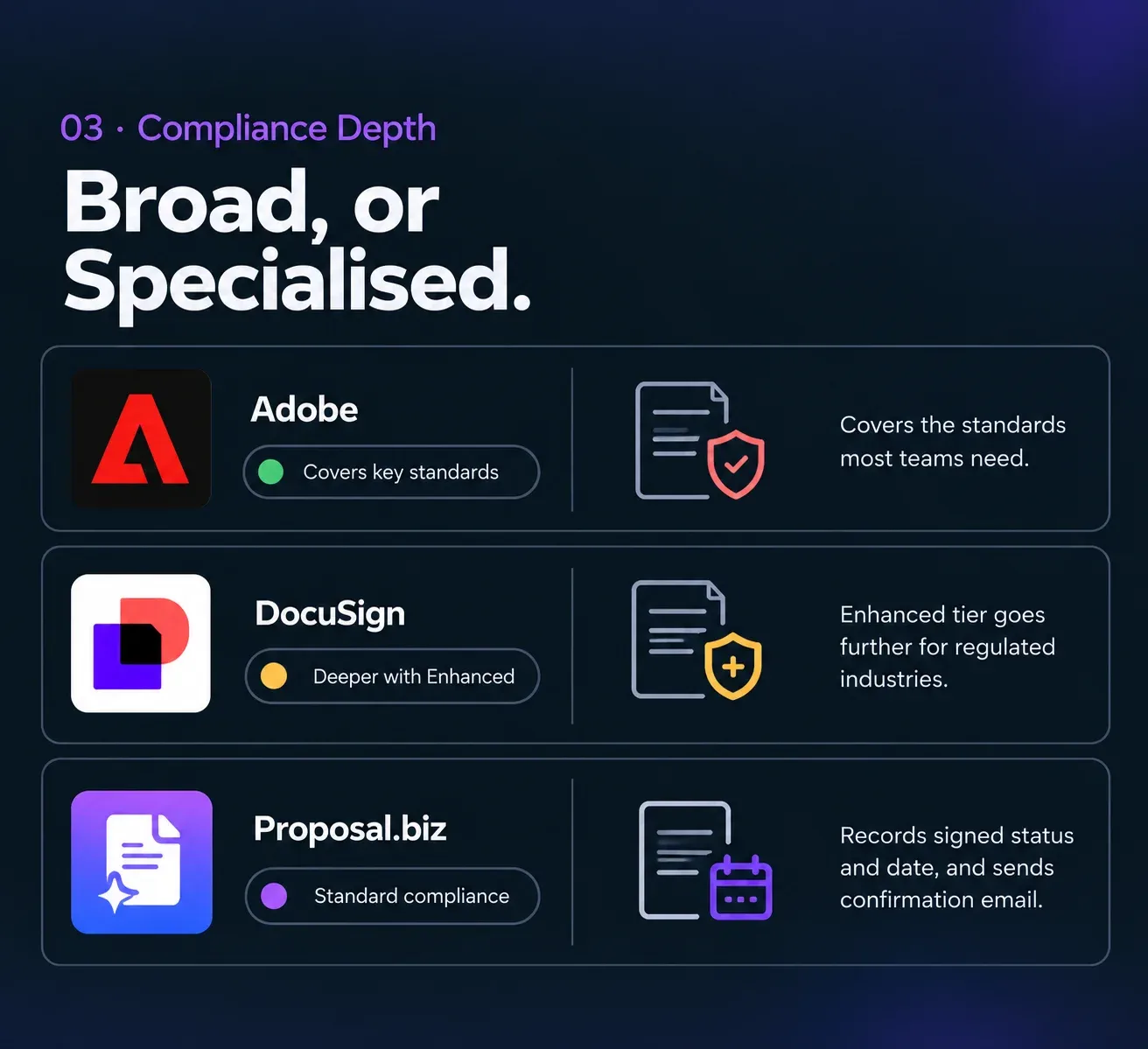
Broad, or Specialised.
03 · Compliance Depth
Both cover the standards most commercial teams need. DocuSign's Enhanced tier goes further with specialised options for regulated industries, which is a genuine advantage where those requirements are contractual.
- Proposal.biz records signed status and signing date and sends a confirmation email to both parties, a lighter footprint suited to standard commercial documents rather than regulated workflows.
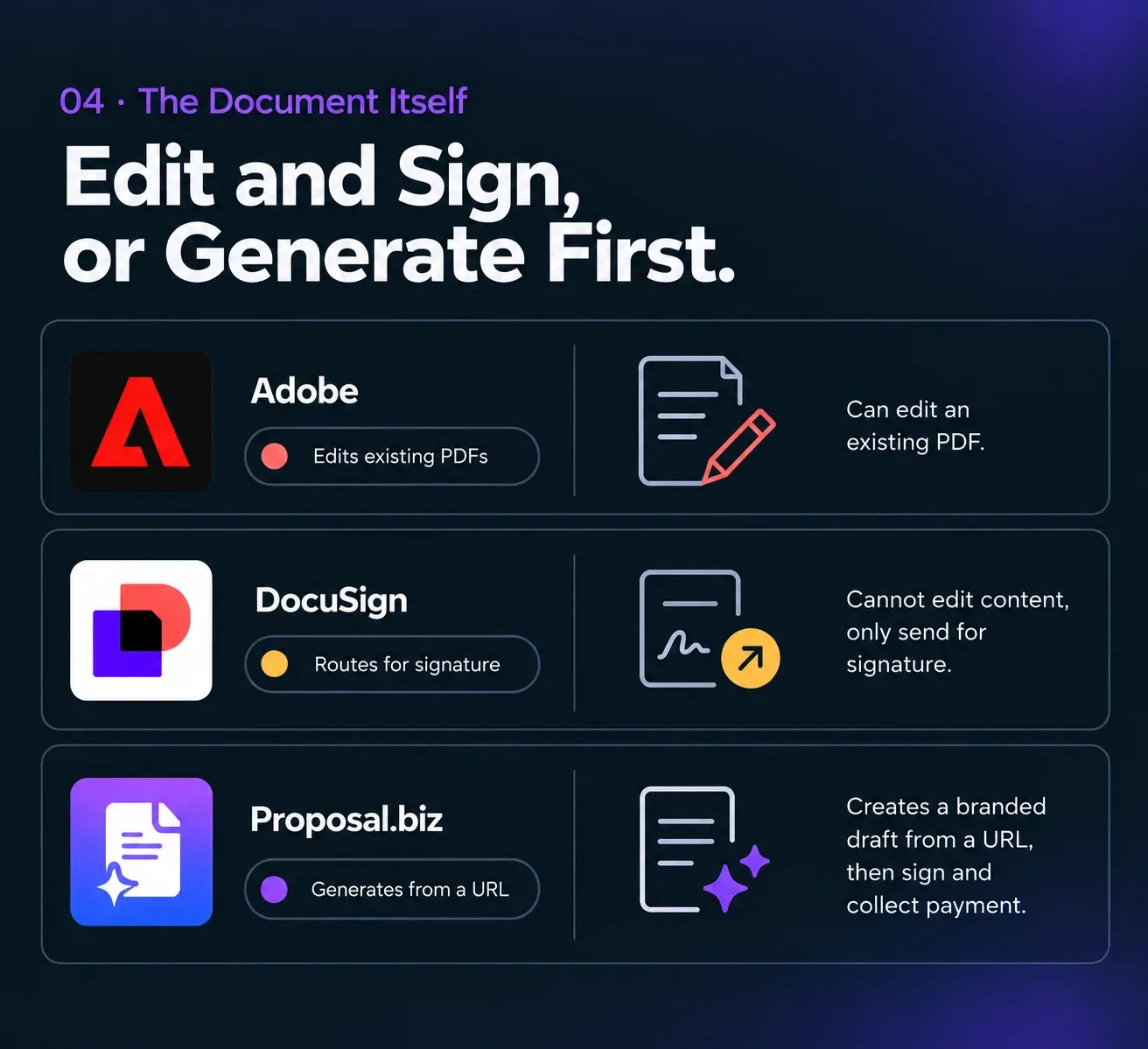
Neither One Writes It.
04 · The Document Itself
Both tools assume the document already exists. Acrobat can edit an existing PDF; DocuSign cannot edit content at all, only route it for signature. Drafting a proposal, contract, or SOW from scratch is a job neither product attempts.
- Proposal.biz closes exactly that gap: paste a URL, get a branded first draft, then sign and collect payment in the same place.
Why Teams Choose Proposal.biz Over Adobe and DocuSign
Signing is one stage of the lifecycle. Proposal.biz covers the stage before it and the one after.
-
Smart Content Library: Your Brand, Pulled From Your URL
Neither Adobe nor DocuSign reads your brand. Proposal.biz extracts logo, colours, fonts, services, pricing, and tone into a reusable library.
-
The Document, Written for You in Seconds
Both competitors assume you arrive with a finished file. Proposal.biz generates the complete branded document from a single prompt.
-
Signing and Payment on Every Plan
E-signatures and payment collection sit inside the shared link from the $19 Starter tier, where DocuSign reserves payments for Business Pro and Adobe does not offer them at all.
-
Edit by Chatting, Not Reformatting
Ask Document Chat to rewrite, shorten, or retone a section, rather than editing a PDF or re-uploading a corrected file into a new envelope.
-
No Envelope Counting
A monthly document allowance covers creation, sending, and signing together, instead of metering signature volume separately.
-
Every Document Type, One Library
Proposals, decks, SOWs, NDAs, retainers, contracts, reports, one-pagers, and webpages, all generated rather than uploaded.
Pricing Compared
The real gap isn't the plan price, it's what each one bundles in beyond signing.
-
Ad
Adobe Acrobat
Pro for teams, per licence
$23.99 /user/mo
- Included: Full PDF editing, conversion, and redaction
- Included: E-signature requests and tracking, no cap on team plans
- Included: Custom branding on agreements
- Included: Cloud storage and productivity integrations
- Partly included: AI Assistant available as an add-on
- Not included: No payment collection offered
-
Ds
DocuSign
Standard tier, per user
$30 /user/mo
- Partly included: 100 envelopes per user per year
- Included: Team templates and shared documents
- Included: Real-time commenting
- Included: Custom branding
- Included: Delegated signing
- Not included: No PDF editing at any tier
-
Pb 3 users included
Proposal.biz
Professional, billed annually, 3 users included
$39 /month total
- Included: Three seats, 30 documents a month, 6,000 AI credits
- Included: Documents generated and branded automatically from your URL
- Included: Signing and payment collection included, no envelope metering
- Included: Custom domain included
- Partly included: Monthly document allowance, not unlimited
What a Growing Team Actually Pays
Adobe doesn't cap signature requests, DocuSign meters by envelope. See what that difference is actually worth at volume.
| Team size | Adobe Acrobat Pro | DocuSign Standard | Proposal.biz | You save |
|---|---|---|---|---|
| 1 user | $23.99/mo | $30/mo | $19/mo | 21% vs Adobe, 37% vs DocuSign |
| 3 users | $71.97/mo | $90/mo | $39/mo | 46% vs Adobe, 57% vs DocuSign |
| 10 users | $239.90/mo | $300/mo | $89/mo | 63% vs Adobe, 70% vs DocuSign |
Adobe's per-licence price runs lower than DocuSign Standard at every headcount shown, and its team plans do not cap signature requests. DocuSign's envelope allowance and signing-specific workflow tools go deeper, and its Business Pro tier at $45 a user adds payment collection and bulk send that Acrobat does not attempt. Proposal.biz includes a monthly document allowance: 10 on Starter, 30 on Professional, 100 on Business.
See full pricingWhat the Other Two Do Better
No tool wins every row of an Adobe vs DocuSign comparison, and Proposal.biz is no exception. Here is exactly where it loses.
Adobe Acrobat
- Included: Full PDF editing, conversion and redaction
- Included: Uncapped signature requests on team plans
- Included: Lower per-licence cost than DocuSign Standard
DocuSign
- Included: Deepest signature workflow of the three
- Included: Bulk send and web forms at Business Pro
- Included: Specialised compliance options at Enhanced
Who Should Pick Which
The right answer to docusign vs adobe depends on whether PDFs or signature volume dominate your week.
-
Freelancers and Solo Consultants
DocuSign Personal at $11 a month covers 5 envelopes for one user, the cheapest way to sign occasionally. Adobe individual plans start at $14.99 a month with full PDF editing. Proposal.biz Starter at $19 a month writes the document as well as signing it.
- Cheapest signing: DocuSign Personal, most complete: Proposal.biz Starter
-
Agencies and Small Teams of Three to Ten
Adobe Acrobat Pro at $71.97 for three licences undercuts DocuSign Standard at $90, and PDF editing is usually more useful to an agency than envelope tooling. Proposal.biz at $39 covers three users and produces the documents in the first place.
- Best value: Proposal.biz Professional
-
Mid-Market Sales Organisations
DocuSign Business Pro at $45 a user adds bulk send, web forms, and payment collection, which matters for high-volume signature operations. Adobe remains the better choice where document preparation dominates over signature throughput.
- Split decision: DocuSign Business Pro for volume, Adobe Pro for document work
-
Enterprise and Regulated Industries
DocuSign, for the depth of its Enhanced tier and its specialised compliance options. Adobe's coverage is broad but DocuSign's signature-specific credentials go further where regulators are involved.
- Winner: DocuSign Enhanced
Frequently Asked Questions
-
Adobe Acrobat is a full PDF platform, editing, conversion, and redaction, with e-signature requests included on paid tiers and no cap on team plans. DocuSign is signature-first, built around the envelope, with templates, delegated signing, and bulk send at higher tiers, but no PDF editing at any tier.
-
Adobe's signing is one component of a wider PDF toolkit, so it suits teams that also edit and prepare documents. DocuSign's signing is the entire product, with deeper workflow tooling, metered envelopes, and more specialised compliance options at its top tier.
-
Adobe, at the tier most teams buy. Acrobat Pro for teams runs $23.99 a licence a month against DocuSign Standard at $30 a user. At the very entry point DocuSign Personal at $11 a month is cheaper, though it covers just 5 envelopes a month for a single user.
-
The gap widens. At ten users Adobe Acrobat Pro costs $239.90 a month against DocuSign Standard at $300. Adobe also does not cap signature requests on team plans, while DocuSign meters 100 envelopes per user per year with overage priced separately.
-
Both cover the standards most commercial teams need. DocuSign goes further at its Enhanced tier with specialised options aimed at regulated industries, which is the stronger choice where those requirements are written into contracts.
-
No. Both assume the document already exists. Adobe can edit an existing PDF; DocuSign cannot edit content at all and only routes files for signature. Drafting a proposal, contract, or SOW from scratch is a job neither product does.
-
Proposal.biz handles the step before either tool becomes relevant, drafting and branding the document from your website URL and a prompt. Once it exists, Proposal.biz sends, signs, and collects payment in the same place, so client-facing documents may not need to pass through either tool at all.
-
No. Adobe does not offer payment collection. DocuSign includes it from Business Pro at $45 a user a month. Proposal.biz includes payment collection and e-signatures on every plan, and records signed status and signing date with a confirmation email to both parties.
See the Difference in 60 Seconds
Paste your URL. Proposal.biz drafts the branded document, then signs it and collects payment in the same window, before you've finished uploading a file anywhere else. No card required. Every plan includes AI generation, e-signatures and payments.
Free forever - No credit card.